
A workday that runs itself
The mobile app keeps the process short enough that field and office teams actually use it, every day, without being reminded.
Seven steps, start to finish
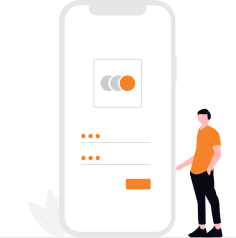
Login through ID & password given by the admin
Employees log in to the Reptile Tracko app with their unique credentials.

Punch in your attendance with live location
Clock in working hours with a simple tap, verified by location.

Take a selfie & write the day plan
Capture a selfie for verification and outline the planned activities for the day.

Start your work
Begin assigned tasks with clear instructions and deadlines.

Complete all given tasks
Mark each task finished and add any relevant notes or observations.

Punch out with a selfie
Clock out at day end with a verification selfie and a summary of the day.
Logout & end live location
Securely log out of the app, which also ends location tracking.
What managers see
Every punch, task and visit from the steps above lands in one dashboard — admins never have to chase the data down.
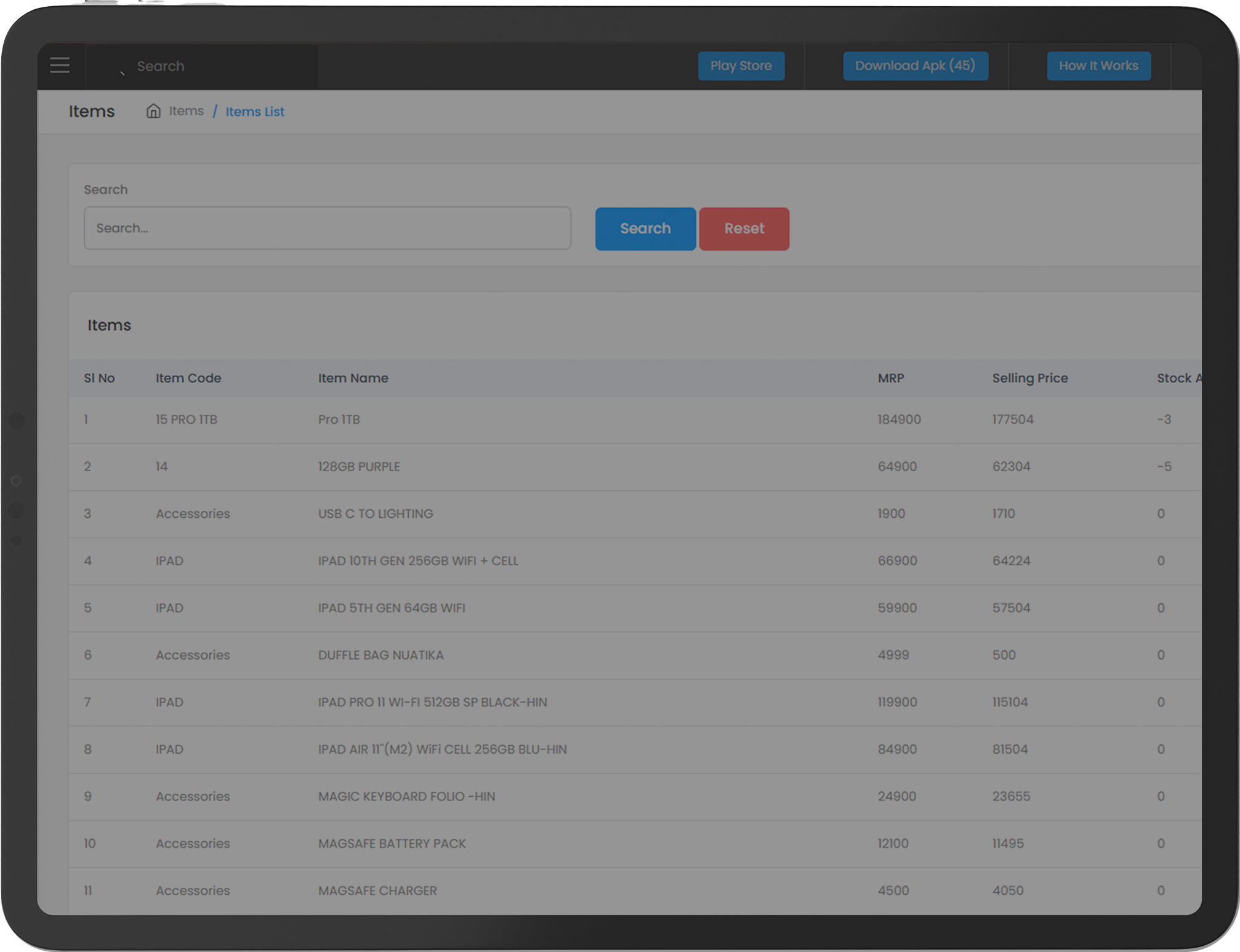
One live dashboard
Today’s attendance, open tasks, and field locations, all in one place — no switching between tools to get the full picture.
Alerts that matter
Late punches, missed check-outs, and pending approvals surface on their own, instead of waiting to be discovered.
Reports on demand
Attendance, payroll and activity reports export in a couple of clicks, ready to hand to finance or leadership.
Watch the admin panel walkthrough
See it working with your own team
Book a walkthrough and we'll set it up around how your team actually works — office, field, or both.